I recently started using Claude Code in VS Code after spending most of my time using AI through the browser.
Like many developers, I was curious what working with an AI directly inside the editor would feel like. I expected to come away with opinions about the tool itself.
Instead, it made me think about something much bigger.
The more I use AI in software development, the less I care about how quickly it can generate code. What I really want is an AI that helps me make better decisions before the code is written.
What I like
Overall, I've enjoyed using Claude Code and it has some genuinely useful capabilities.
Easy to get started
The setup couldn't be much simpler:
- Install the extension.
- Sign in.
and you're up and running within minutes.
It works where I work
One of the biggest improvements over browser-based AI is that there's no constant copy-pasting or figuring out which line needs replacing. Claude understands the project, edits files directly, and feels like part of the development environment rather than a separate tool.
It understands larger projects
Working across multiple repositories is common in many teams. You can either symlink repositories or give Claude absolute paths to your local repositories and it will be able to read and search code across repositories using Read/Glob/Grep.
If you're worried about it suddenly reading and editing files across multiple repositories on your hard drive, don't be. Cross-repository awareness isn't enabled automatically—you have to explicitly instruct Claude to do this.
It understands the development workflow
One feature that genuinely surprised me was how well it handled us working in parallel. If we were both writing code, Claude could stash its own changes, wait for mine, then reapply them and resolve conflicts.
It also understands that writing code isn't the last step. After making changes it automatically runs type checks, builds the project, and executes tests to catch obvious issues before handing the code back.
And for those who don't enjoy writing unit tests, it's surprisingly good at generating them from existing code.
You're still responsible for the code
One thing I learned fairly quickly is that working code isn't necessarily good code.
The code Claude generated usually worked. The problem wasn't correctness—it was that it sometimes ignored the existing architecture or established patterns.
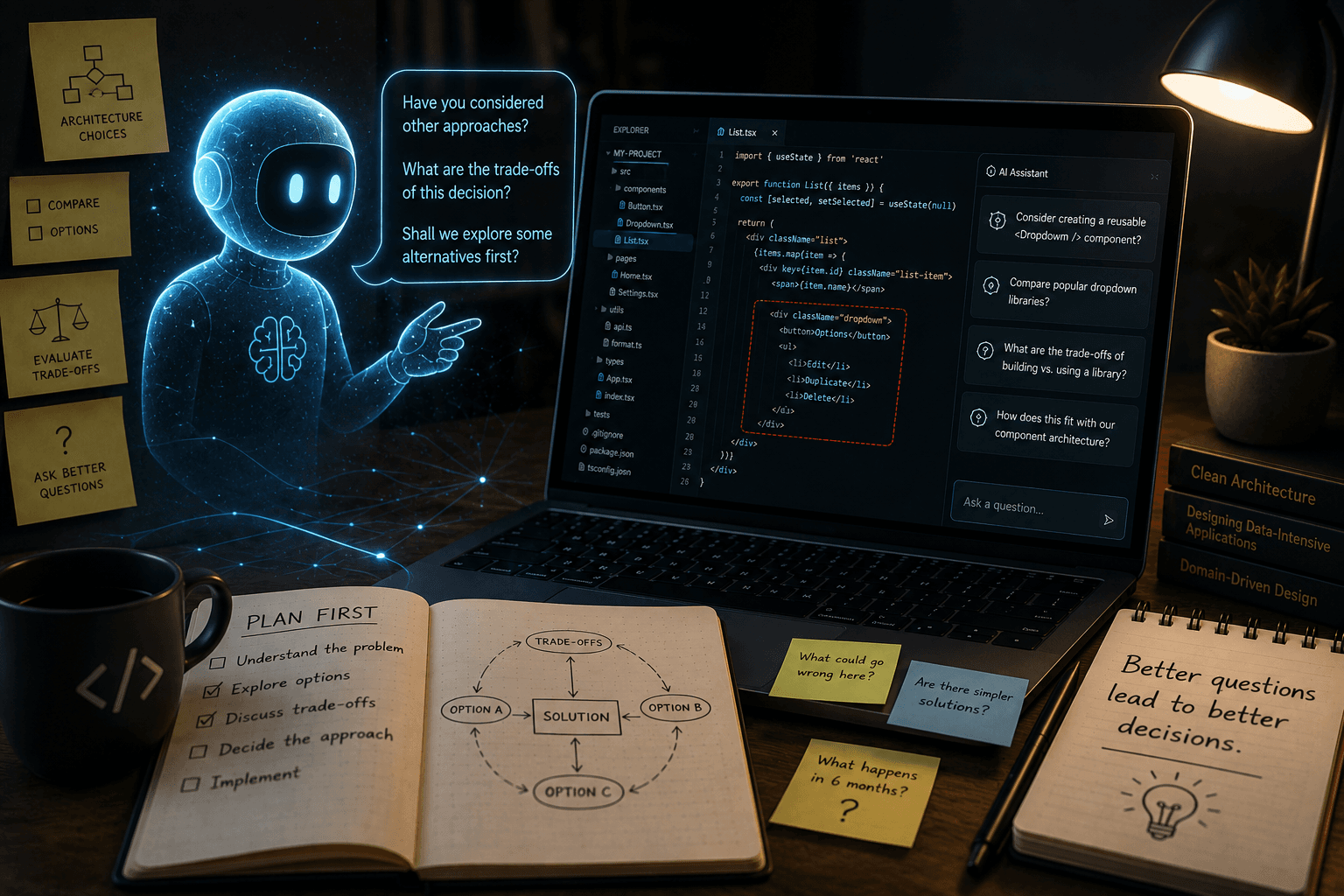
For example, instead of creating a reusable <Dropdown /> component, Claude would occasionally implement the entire dropdown directly inside an existing component. The feature behaved exactly as expected, but it also made the component larger, more complex, and less reusable.
That's not a bug—it's a design decision. And it's exactly why I think AI-generated code still deserves a proper review.
AI can generate code that works, but do you actually understand it?
If a bug is reported six months from now, you're the one who's going to debug it. If you don't understand the code you're committing today, you're making tomorrow's problem much harder to solve.
For me, that's another reason why code reviews still matter. Don't just review what the AI wrote—make sure you understand it.
What using Claude made me realise
After a few weeks of using Claude Code, I noticed something interesting. I've found myself naturally switching between tools depending on what I'm trying to achieve.
When I want to work directly in the codebase, troubleshoot or understand how a project fits together, Claude Code has been a great fit.
When I'm trying to research, compare approaches, or simply rubber duck an idea, I find myself opening ChatGPT instead. Since it doesn't work directly inside my repositories, the conversation naturally stays focused on the problem rather than immediately moving to implementation.
That made me realise something.
It isn't really about Claude or ChatGPT.
It's about the role I want AI to play while I'm developing.
AI is reactive
The biggest thing I've realised is that today's AI is reactive.
If I ask it to compare authentication libraries, it does a great job. If I ask it to critique an architecture, it usually gives thoughtful feedback. If I ask whether there's an existing package instead of building something from scratch, it often suggests good alternatives.
The capability is already there. The problem is that AI waits for me to realise those are the conversations worth having.
Even when I deliberately asked Claude Code questions like "Can we...", "Why would we..." or "How should we...", the conversation often drifted towards implementation. I could explicitly ask Claude to start by creating a plan, and it generally did a good job. But once that plan was approved and Claude started applying changes, future conversations naturally shifted back into implementation mode.
That made me realise that sometimes I don't want another implementation. I want another perspective.
Software engineering isn't just about writing code. It's choosing dependencies, comparing approaches, discussing architecture, and recognising trade-offs before they become technical debt. The best engineers don't just provide answers—they challenge assumptions, point out alternatives, and ask questions that help you think more clearly.
That's the role I'd like AI to play.
What's missing isn't capability—it's initiative.
Instead of waiting for me to ask exactly the right question, I'd love AI to recognise when I'm exploring an idea instead of implementing one. If I'm introducing a new dependency, suggest comparing alternatives. If I'm making an architectural decision, ask whether I'd like to explore a few approaches before we commit. If I'm asking "Can...", "Why..." or "How...", recognise that I'm probably looking for a discussion rather than another implementation.
Not because my first idea is wrong, and not because AI should interrupt every workflow. But because sometimes the most valuable thing an engineering partner can do isn't provide another answer.
It's to ask a question.
The best AI shouldn't always agree with you.
It should ask the question you didn't think to ask.
Take it further
If this resonates with you, I built a skill file that teaches Claude Code to behave the way I described — discussing before building, questioning decisions, flagging risks, and asking the question you didn't think to ask.
You can download it here
senior-software-engineer.skill
To install
- Rename the file to .zip if you downloaded .
skilland not.zip - Extract folder into
~/.claude/skills/orC:\Users\[Your username]\.claude\skills, depending on where your Claude Code root is. - Restart Claude Code and it will pick it up automatically.
It's a work in progress — and that's kind of the point. The best engineering partner grows with you.